
Exhibition Stall Graphics That Read from 10 Metres Away
How to design exhibition stall graphics people can read from 10 metres: fewer words, lettering that carries, strong contrast, the right height and big images.
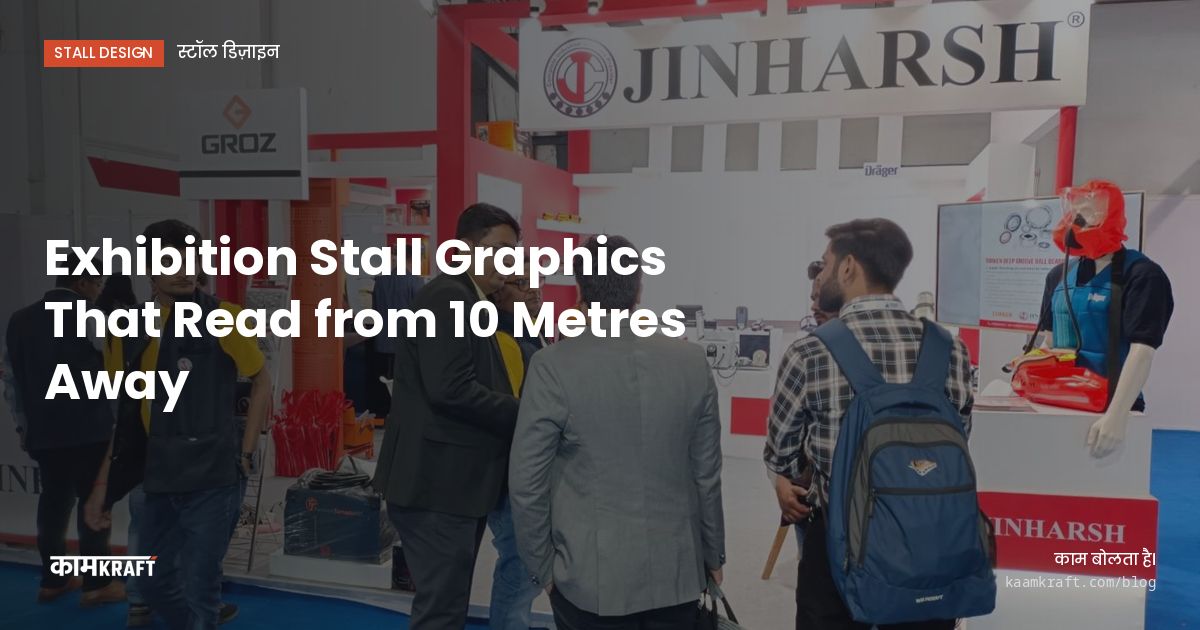
Stall graphics read from 10 metres when they carry very few words, use large plain lettering with strong contrast, and sit high enough to clear the heads of people in the aisle. At that distance a visitor gives you two or three seconds. In that time they should take in your name, what you do, and one image, and nothing else.
Most stall graphics fail because they are designed on a laptop at arm's length, then printed huge. The fix is to design for distance from the start and test at full size.
Decide what must be read from 10 metres
Split your content into three distances:
- Far, across the hall or down the aisle: the logo and one short line that says what you do.
- Middle, from the aisle in front: a proposition line and one strong image or product photo.
- Near, inside the stall: product details, specifications, QR codes and contact information.
Only the far and middle layers belong high on the walls. Detail goes at counter height, on tablets or in print. A wall covered in bullet points cannot be read from any distance.
Writing the far line is the hard part. A useful test: could a visitor who reads only that line tell a colleague what you sell? Plain descriptions such as what you make and for whom usually beat clever slogans, because a passer-by has no time to decode a pun.
Lettering that carries
Size
Letters need to be far larger than most people expect. Rather than trust a formula, print the key line at full size, pin it up and walk 10 metres away. If you have to squint or slow down to read it, make it bigger or shorter. We often check large panels this way at our factory before the final print run.
Typeface
Use a clean typeface in a medium or bold weight with open letter shapes. Thin weights, condensed fonts, scripts and long lines in capitals all lose legibility at distance. Keep to one or two typefaces across the stall.
Contrast
Use dark text on a light ground or light text on a dark ground, with a clear difference in brightness. Pairs that look distinct on screen, such as red on green or blue on purple, can blur together under hall lighting. Check your artwork in greyscale: if the text fades there, it will fade on the floor.
Placement and height
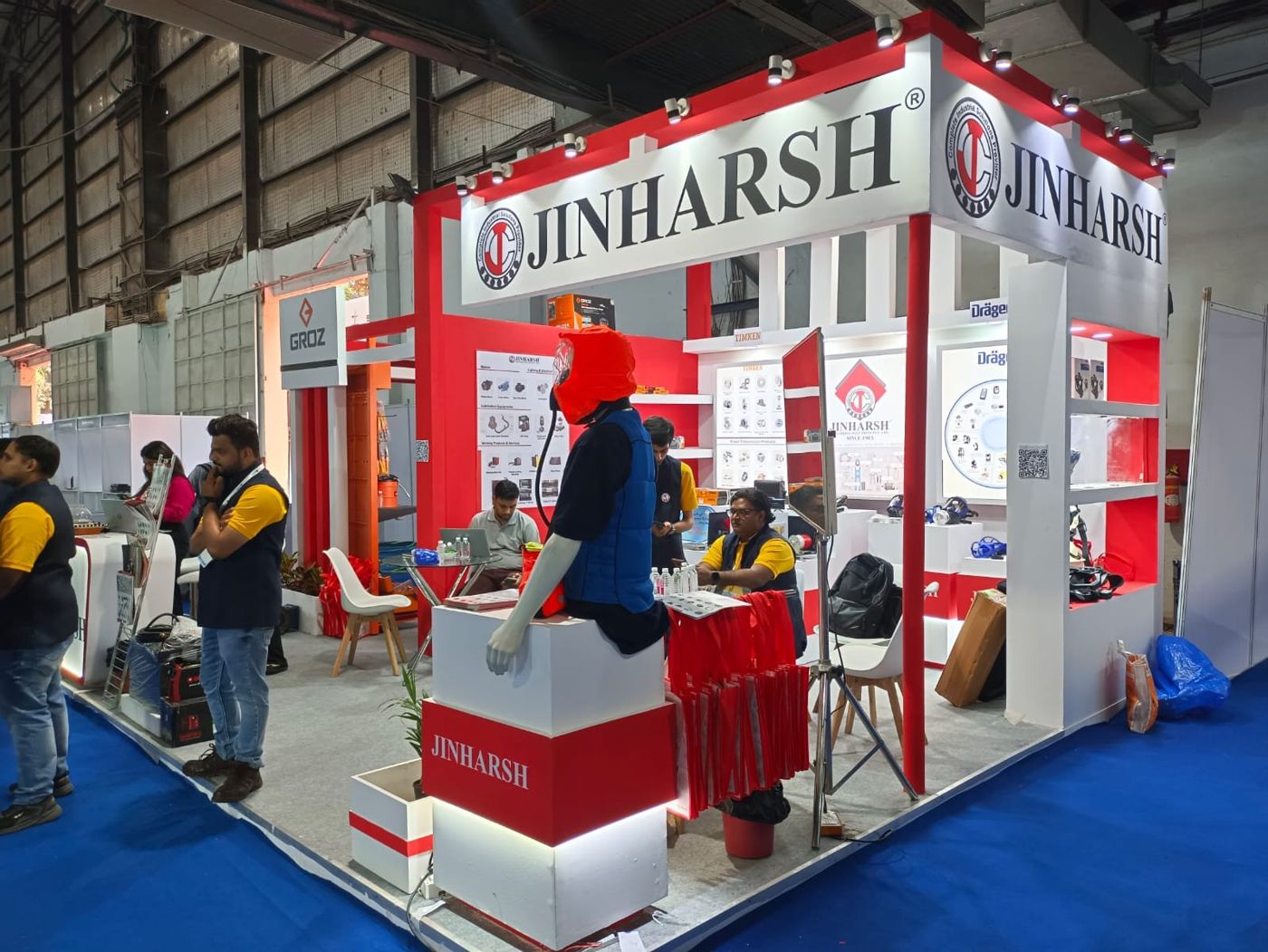
People in the aisle and on your stall block the lower part of every wall. Far-read content should sit above head height: the top of the back wall, a fascia, a tower or a hanging banner. Check the organiser's height limits and rules on hanging banners in the exhibitor manual before you design around them.
Place the main line where visitors approach from, not automatically in the centre. On an inline stall, the aisle ends of the side walls are seen first. On corner and island stalls, put the brand on faces visible from each aisle.
Check the 3D model from eye level at 10 metres, not only from the aerial views that renders favour. Aerial views make every graphic look readable, because nothing blocks them. From standing height, with people in front, you find out which lines survive.
Images, materials and finishes
One large, sharp photograph of your product, or of it in use, communicates faster than any sentence. Choose images with a clear subject and a simple background. Avoid collages of small pictures, which read as noise from the aisle.
Ask for print files at the right resolution for the final size. A photo that looks fine on screen can turn soft when printed several metres wide, so ask your designer or printer what the final size needs before you approve artwork.
Printed vinyl, fabric or cut letters
Printed vinyl on a smooth painted or laminated panel gives sharp edges and suits most wall graphics. Tension fabric hides joints across large areas and can be backlit, which makes it stand out against hall lighting. Cut letters in acrylic or metal, standing slightly off the wall, give a logo depth and catch light well. For far-read lines, a matt finish is safer than gloss, because it does not throw back reflections from overhead lights.
Colours that match the brand
Printed colours shift between materials and printers. If your brand colour must match exactly, ask for a printed proof on the actual material and look at it under similar lighting to the hall before approving the full run.
Mistakes that make graphics invisible
- Long taglines that need a second read.
- Text placed low, hidden behind counters and people.
- Light grey or thin text on white.
- Glossy prints that reflect hall lights and hide the message.
- A logo that is too small because the brand guidelines were applied at letterhead scale.
- A different message on every wall, so nothing is remembered.
Large shows, long aisles
At a long consumer fair like IITF 2026, running 14 to 27 November at Bharat Mandapam, New Delhi, crowds are dense and people move quickly, so graphics high on the stall with one clear line matter even more. Choose matt finishes to cut glare, and keep spare prints of key panels in case of damage over a fortnight of traffic.
Planning a stall?
Send us your brand guidelines and the one thing visitors should take away. We will design the graphics for distance in the 3D model and test key panels at full size. See more of our exhibition stalls. Start through Plan your project or call or WhatsApp us on +91 70190 58391.