
Electronics and Component Stalls: Showing Small Products Well
Designing a stall for electronic components: eye-level showcases, magnification and camera feeds, secure demo boards, stable power and anti-theft display.
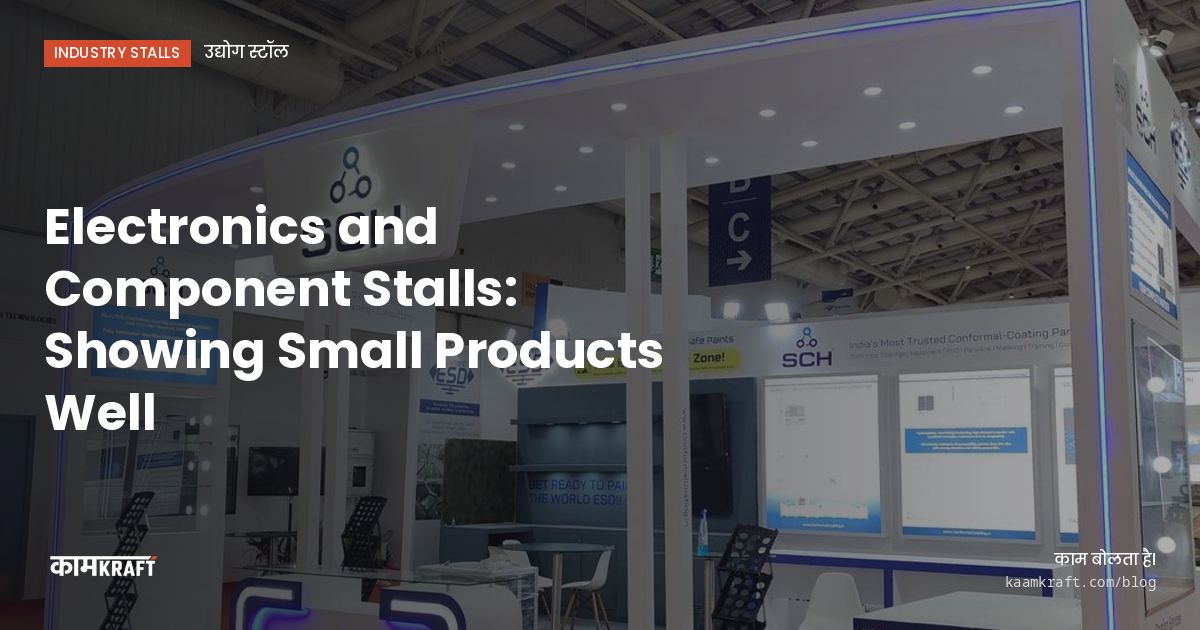
Electronic components are hard to show. A connector, a sensor or a chip is tiny, and from the aisle it looks like nothing at all. The stall has to make the product big: through magnification, screens and demo boards that show what the part does, and through displays at eye level where engineers can look closely.
The second challenge is practical. Demo boards need stable power, small parts walk away if they are not secured, and engineers want to handle samples without damaging them. A good electronics stall solves all of this quietly so your team can focus on technical conversations.
Make small products visible from the aisle
Visitors decide in a few seconds whether to stop. They will not stop for a row of tiny parts behind glass. They will stop for something that shows scale, function or application. Use the aisle-facing side of the stall for a big idea, and keep the detail inside.
- An enlarged model of your hero component, built several times life size
- A screen showing a magnified live view of the real part
- An application display: the finished product your part goes into, with the part highlighted
- An exploded view of an assembly, mounted on a wall panel
- Short graphics that say what problem the part solves, not just its part number
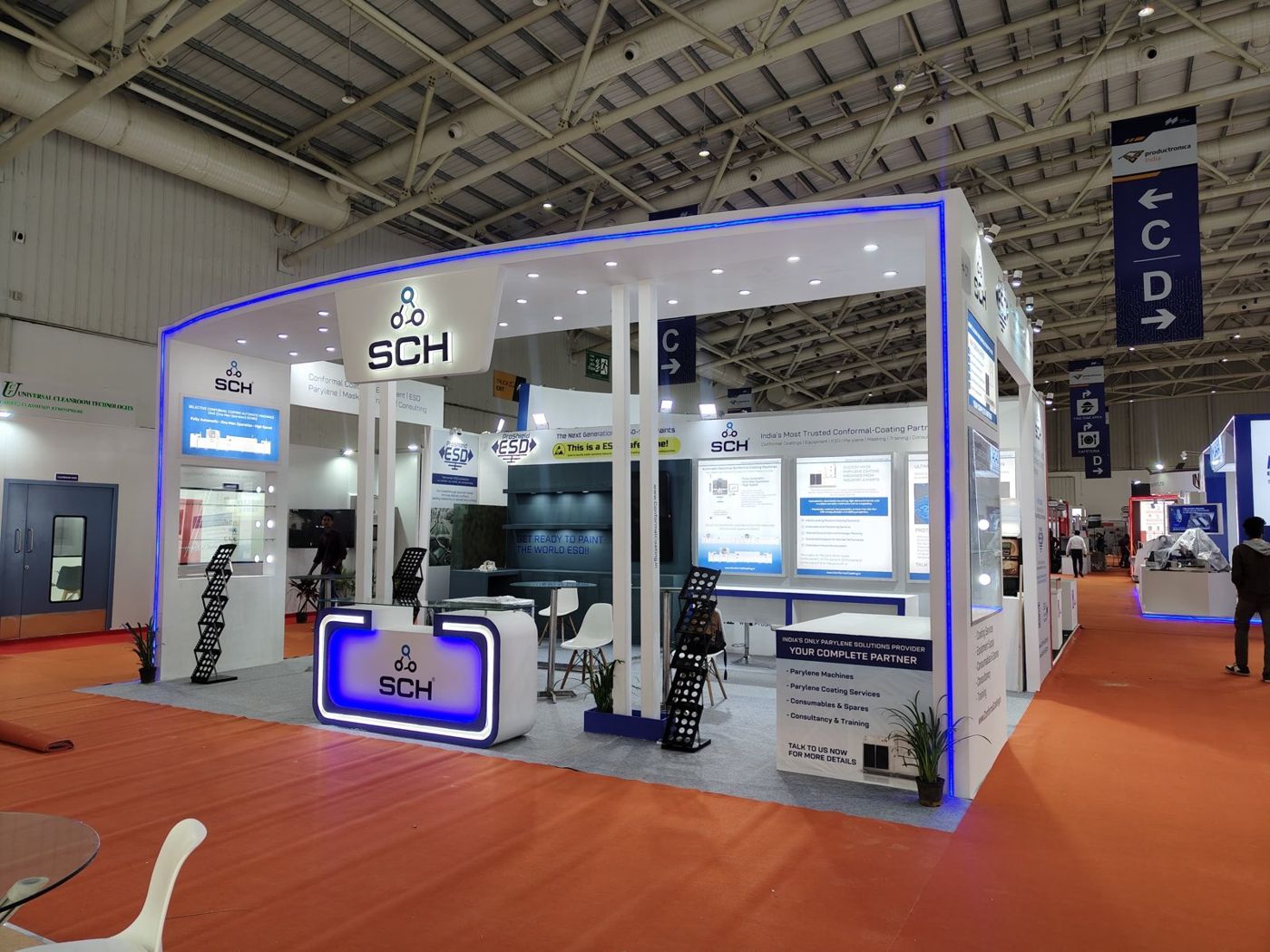
Showcases, magnification and lighting
Inside the stall, put components at eye level, not on low tables. Lit wall showcases or pedestal cases with clear fronts work well. Light each shelf from inside the case so there are no shadows, and use a neutral white so colours on boards and housings look accurate.
Magnifiers and camera feeds
A fixed magnifying lens over a display tray lets visitors see fine details like pin pitch or solder joints. For an even better result, mount a digital microscope or a small camera over the part and show the feed on a screen beside it. Engineers often stand at these stations longer than anywhere else on the stall.
Labels people can read
Give each display a short label with the part family, key specification and typical applications. Full datasheets belong on a screen, a QR code or the sales team's tablet, not on the wall. Large text and generous spacing beat dense tables that nobody reads standing up.
Demo boards that work all day
A live demo is the best proof that a component works. It is also the first thing to fail if power or mounting is an afterthought.
- List every demo board with its power needs and send the list to your builder early.
- Mount boards securely on a sloped desk or wall panel, with cables routed inside the furniture.
- Add clear covers over delicate areas so visitors can watch without touching live parts.
- Fit lockable cabinets under demo desks for power supplies, laptops and spares.
- Test every demo on the stall during build-up, with the actual power provided by the venue.
Power quality at a venue is not something you control. Ask the organiser what is provided, whether the supply is shared with neighbouring stalls, and whether you can bring backup equipment. Sensitive demos may need their own protection, and that is easier to plan before the furniture is built than after.
If your team hands samples to visitors, consider an anti-static mat and wrist strap at the handling station. It signals that you take your product seriously, and engineers notice.
Security for small, valuable parts
Small parts are easy to pocket, and at busy shows that happens. Keep display samples in locked cases or fix them to mounting boards. Use cable locks on laptops and tablets. Lock demo kits away overnight, and plan a lockable store room if you bring valuable stock.
Free samples are a separate question. If you plan to give them away, put them in a controlled spot at the counter, not on open shelves near the aisle, and link each sample to a lead your team has captured.
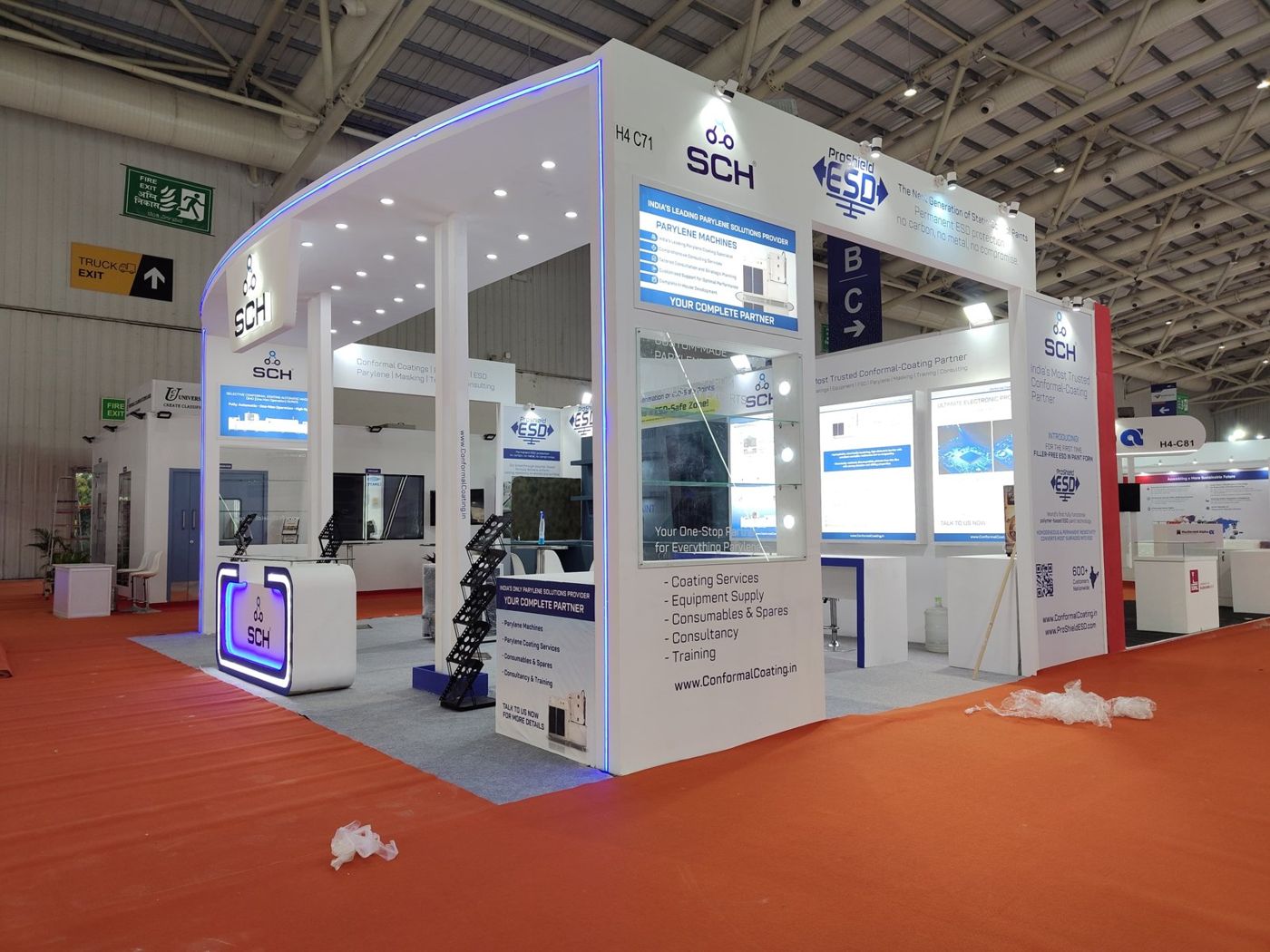
Space for technical meetings
Component sales are technical. Buyers bring drawings, ask about tolerances and want to discuss volumes. Give the team a meeting table with a screen and power, and a place to keep sample kits within reach. On larger stalls, a closed meeting room helps for design-in discussions that involve a customer's unreleased product.
Electronics and technology shows in Bengaluru draw a strong engineering audience. If you are exhibiting at Bengaluru Tech Summit 2026, which runs from 17–19 Nov 2026 at BIEC, or preparing for ELECRAMA 2027, plan demo power and security early. Our Bengaluru stall builds need 3–4 weeks of lead time; allow 4–6 weeks for the rest of South India and 6–8 weeks elsewhere.
Mistakes we see on component stalls
Most of these come from treating the stall like a catalogue rather than a place where engineers want to test and question.
- Hundreds of parts in one case, with no hero product and no story
- Showcases at knee height that force visitors to bend down
- Demo boards powered from one overloaded extension board
- Glossy surfaces that reflect spotlights straight into the camera feed
- Part numbers on the walls instead of applications and benefits
- No lockable storage, so samples and laptops sit on open shelves overnight
- Screens placed where the aisle crowd blocks the view
Each of these is easy to fix at the design stage and hard to fix on site. Walk through the stall in the 3D render as a visiting engineer would, from the aisle to the showcase to the meeting table, and the gaps usually show up.
Planning an electronics stall?
Send us your stall size, the show, and a list of products and demo boards you want to bring. Plan your project with us, or WhatsApp or call +91 70190 58391, and we will plan displays that make small products easy to see.